


Hexa sort game online: play Hexa Nest free in your browser
Updated 4 min read
Quick answer
You can play a hexa sort game online for free on OvO.games with Hexa Nest. It opens in the browser on a computer, Chromebook, phone or tablet with no download and no account. Drag stacks of coloured hex tiles onto a honeycomb, let matching top colours flow together, and when 10 of one colour gather on top they hatch into OvOs.
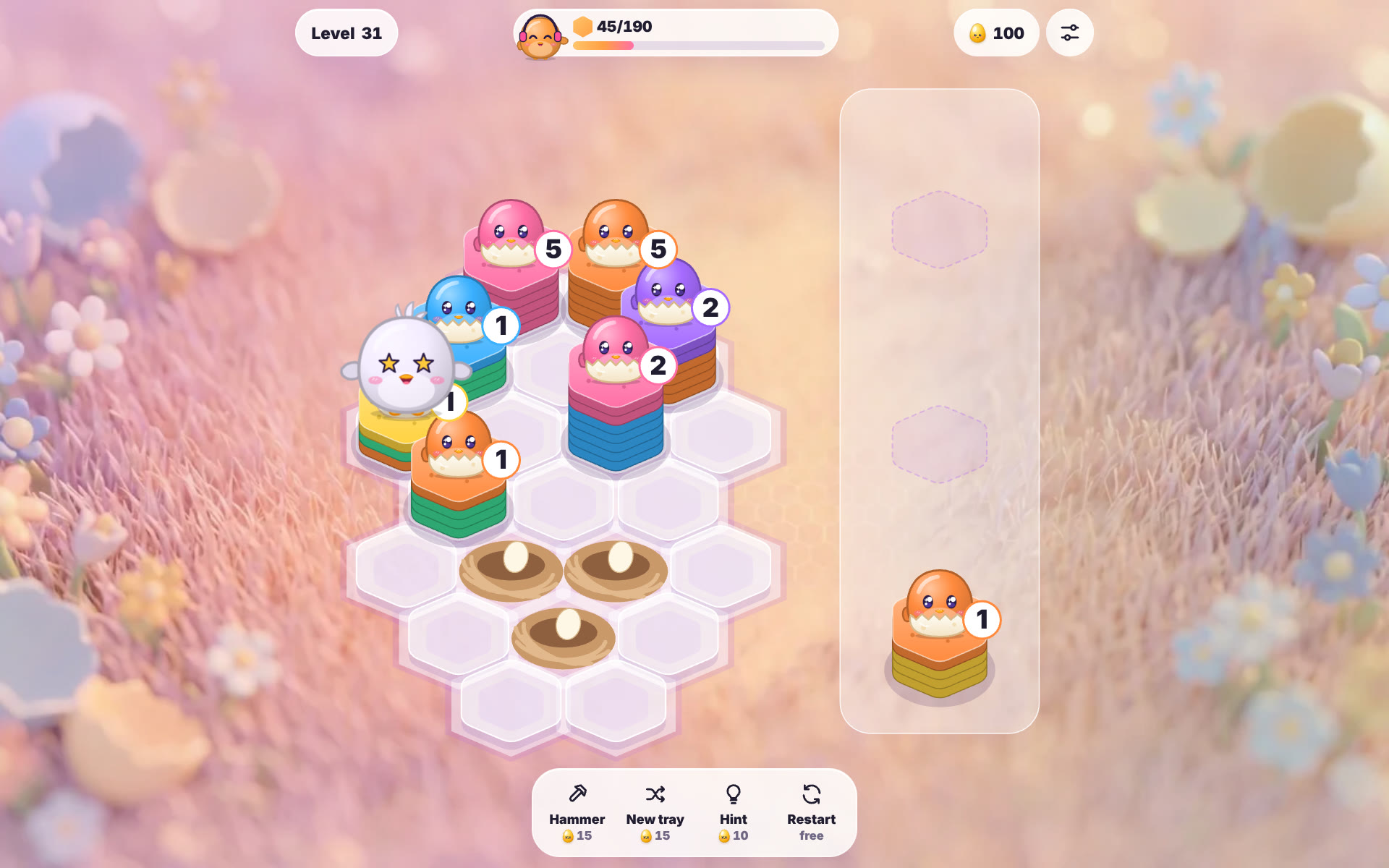
Hexa sort is the stack-and-merge puzzle where coloured hexagon tiles slide from pile to pile until a tall stack of one colour clears. Hexa Nest is the OvO take on it: every tile is a little egg, and the top tile of each stack has an OvO peeking out. This guide covers the rules, the controls, tips for the harder levels and where you can play it.
On this page
How do you play a hexa sort game?
Each level gives you a goal, such as hatch 190 tiles, shown at the top next to Coach OvO. A tray under the board offers three stacks at a time. Each stack has two to eight tiles in one to three colours, and only the colour on top matters.
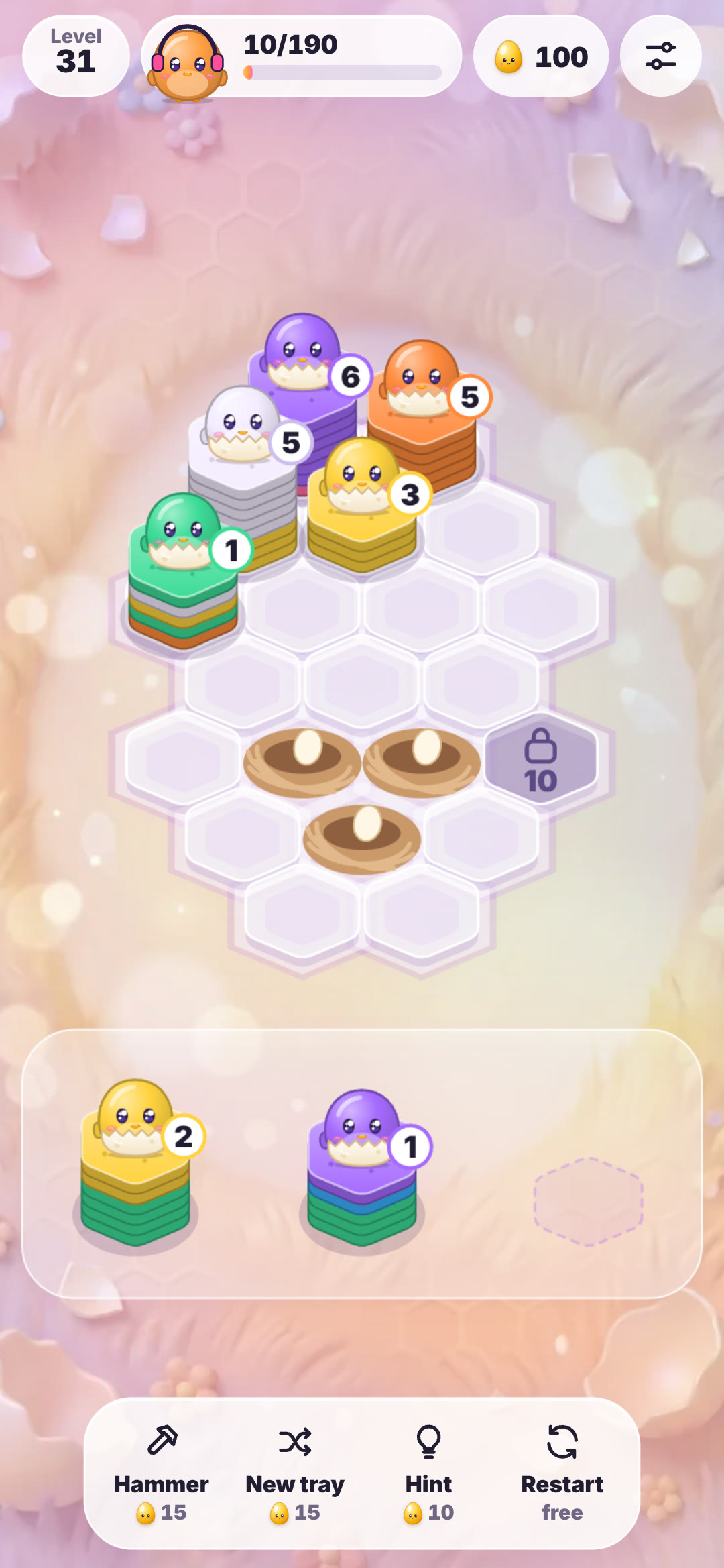 Step 1: Drag a stack from the tray onto any empty cell of the honeycomb. On a computer you can also click a stack and then a cell, or use the keys 1 to 3, the arrows and Enter. When all three tray stacks are placed, three new ones arrive.
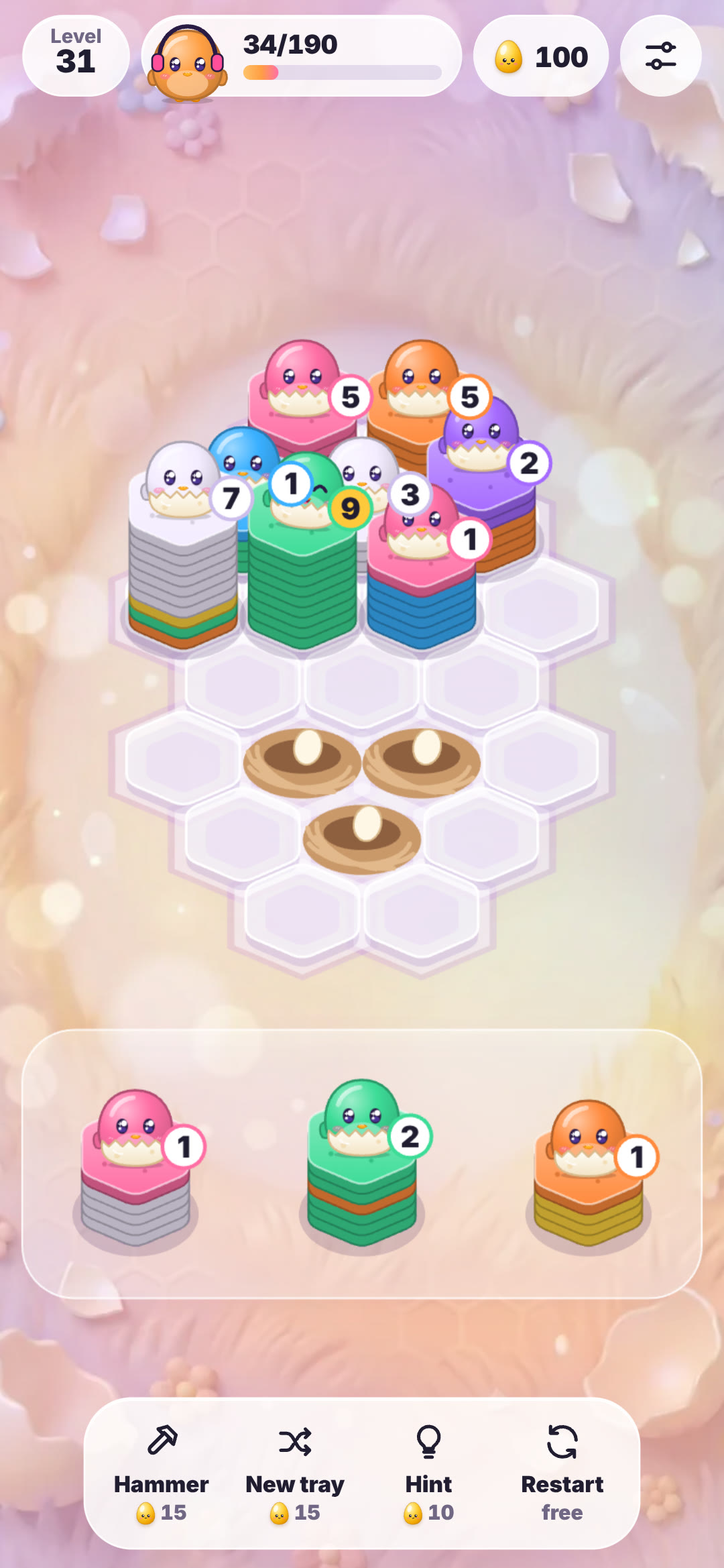 Step 2: Watch the tiles flow. If the stack you placed touches a stack with the same top colour, those tiles slide across one by one. A stack that touches two or more matches pulls them all in, and every change can set off another match, so one move can chain into a combo.
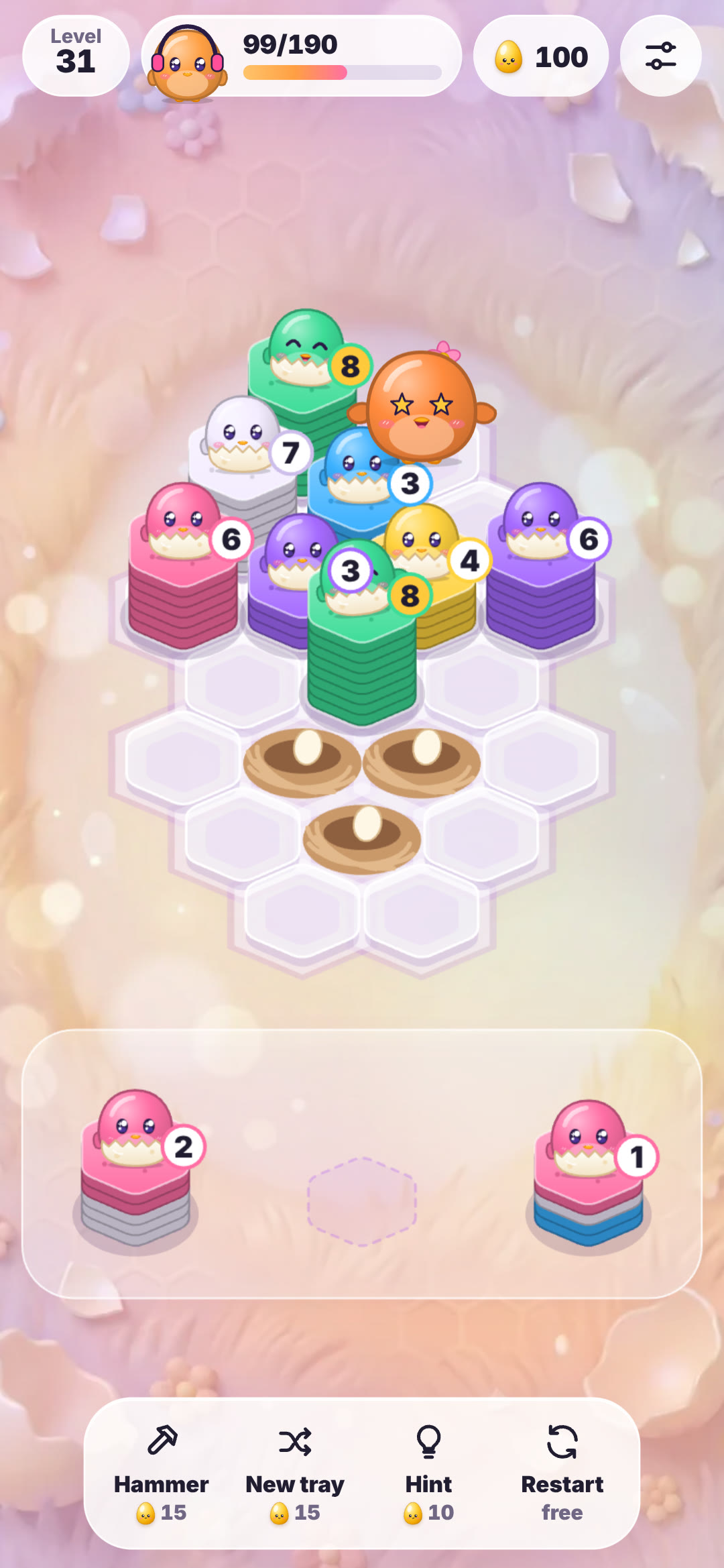 Step 3: Hatch ten of a colour. When ten or more tiles of one colour sit on top of a stack, they burst and an OvO of that colour pops out and flies to the goal counter. Fill the goal to win. If the board has no empty cell left after a move, the level is lost.
Tips for harder levels and running out of space
Space is the whole game, so keep at least two cells free whenever you can. When only two or fewer are left, the empty cells pulse red as a warning. Place a stack next to the neighbour whose top colour it shares instead of in the first open gap. Before a drop, look at the colour under the top group: once the top flows away, that second colour should have a partner nearby, which is how chains start. Stacks with a gold count badge have eight or nine tiles of one colour on top and only need one or two more, so feed them first. Keep tall mixed stacks away from the middle of the board, where they block the most neighbours. From level 14 padlocked cells open after a set number of tiles hatch, and from level 22 sleepy stacks marked z z only wake when a neighbour hatches. When you are stuck, the Hammer smashes one stack, New tray swaps the tray for three new stacks and Hint shows the best move. Restart is always free.
Is Hexa Nest free, and do you need to download it?
Hexa Nest is free to play in the web browser with nothing to install. There are 200 levels, and the first 40 are free for everyone, plus a daily puzzle and challenges. The optional OvO Pass unlocks every level. You do not need an account to start; if you sign in, your progress follows you from one device to another. The same game is in the OvO apps for iPhone and Android. Because it is an ordinary web page, it runs on Chromebooks and school laptops too, though whether a school or office network lets you open game sites is up to that network.
More sorting puzzles to try after Hexa Nest
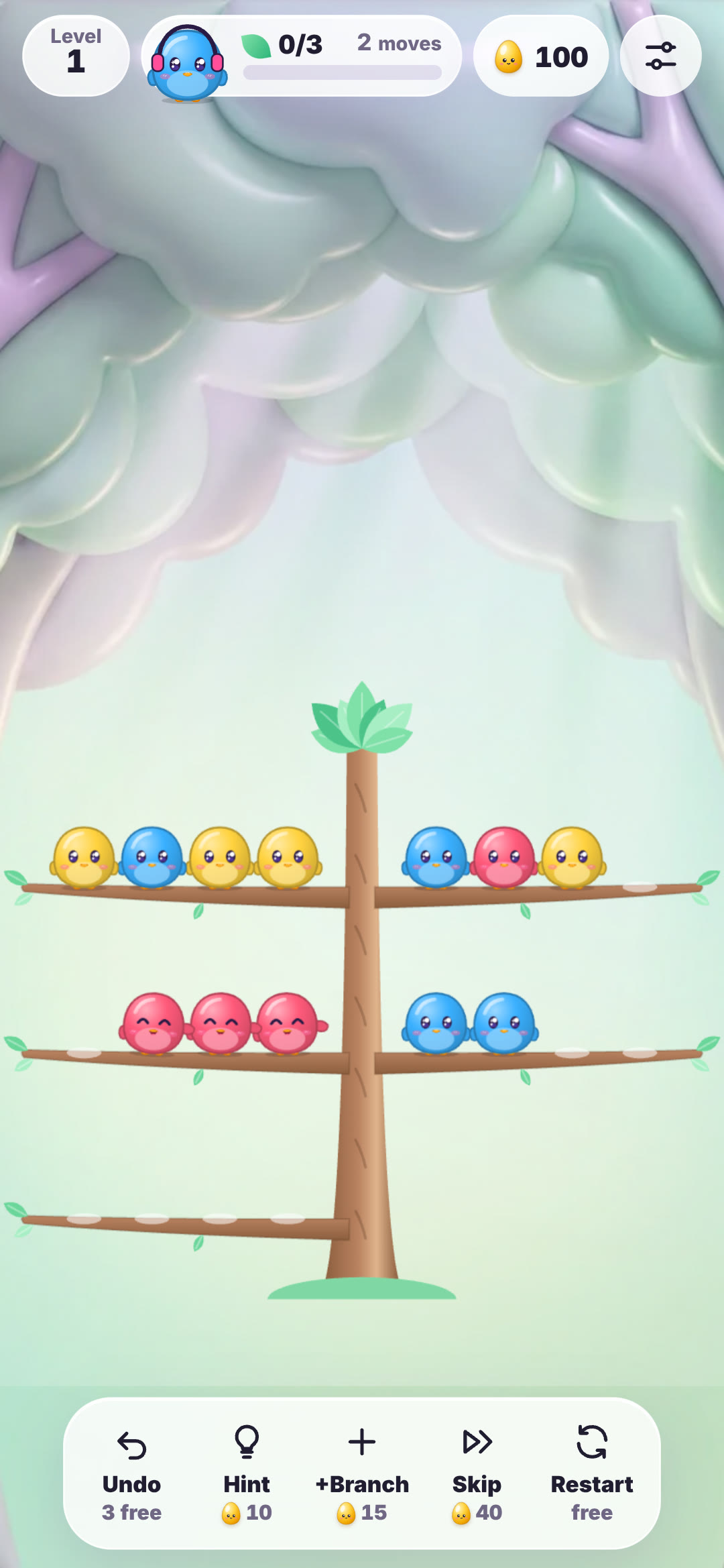
If you like hexa sort, the other OvO sorting puzzles use the same calm colour logic in different ways. Chick Sort is a branch sort: tap a branch, then another, and the OvOs at the tip hop across; four of one colour on a branch cheer and fly away. Nest Express is a bus jam: tap an OvO with a clear path and it walks to the vehicle of its colour, while wrong colours wait on a bench. Screw Crew is a 3D screw puzzle where you spin screws out into boxes of their colour. All three play free in the browser, with the first 40 levels open to everyone.
| Detail | Hexa Nest |
|---|---|
| Type | Hexa sort: stack, merge and hatch |
| Levels | 200, first 40 free, plus a daily puzzle and challenges |
| Controls | Drag a stack to a cell, or tap then tap; keys 1 to 3, arrows and Enter |
| Win | Hatch the goal number of tiles (or two colour goals) |
| Lose | No empty cell left after a move |
| Board extras | Twig nests, padlocks from level 14, sleepy stacks from level 22 |
| Helpers | Hammer, New tray, Hint, free Restart |
| Plays on | Browser on computers, Chromebooks, phones and tablets; OvO apps for iPhone and Android |
| Languages | English, Vietnamese, Japanese, Chinese, Korean |
Watch
Hexa Nest gameplay
28 seconds of Hexa Nest: stacks dropped on the honeycomb, matching colours flowing together and OvOs hatching.
▶ 28 sec
Questions
Is hexa sort free to play?
Hexa Nest, the hexa sort game on OvO.games, is free in the browser. The first 40 of its 200 levels are open to everyone, and the OvO Pass unlocks the rest.
Do I need to download hexa sort?
No. Hexa Nest runs in the web browser, so you open the page and play. An account is optional.
How do you play hexa sort?
Drag stacks of hex tiles onto the honeycomb. Matching top colours flow together, and ten of one colour on top clear and hatch an OvO. Keep a free cell, because a full board ends the level.
Can I play hexa sort on mobile or a Chromebook?
Yes. Hexa Nest works in the browser on phones, tablets, computers and Chromebooks, and it is made for a phone held upright.
Is there a hexa sort app for iPhone or Android?
Hexa Nest is part of the OvO apps for iPhone and Android, and the same game also plays in any browser.
Can I play it unblocked at school or work?
Hexa Nest is a normal web page with no download, but some school and office networks block game sites, so it depends on the network you are on.
 Chick Sort
 Nest Express
 Screw Crew