
Cute casual PC games: 5 calm picks to play in your desktop browser
Updated 6 min read
Quick answer
Looking for cute casual PC games without a download? OvO Pet, Chick Sort, Peep Pop 2, Flock Out and Hush Hill are free to start in a desktop browser at ovo.games. You play with the mouse, and some also take the keyboard. Each fits a short break, from a quick pet check-in to one puzzle level.
Most lists of cute casual PC games send you to a store and a big install. This one stays in your browser. The five picks below run in a tab at ovo.games, so you open the page, click and play. All of them star the OvOs, round little characters who blink, hop and cheer, and each one fits the few minutes between two tasks at your desk.
On this page
OvO Pet: a soft little pet that lives in a browser tab
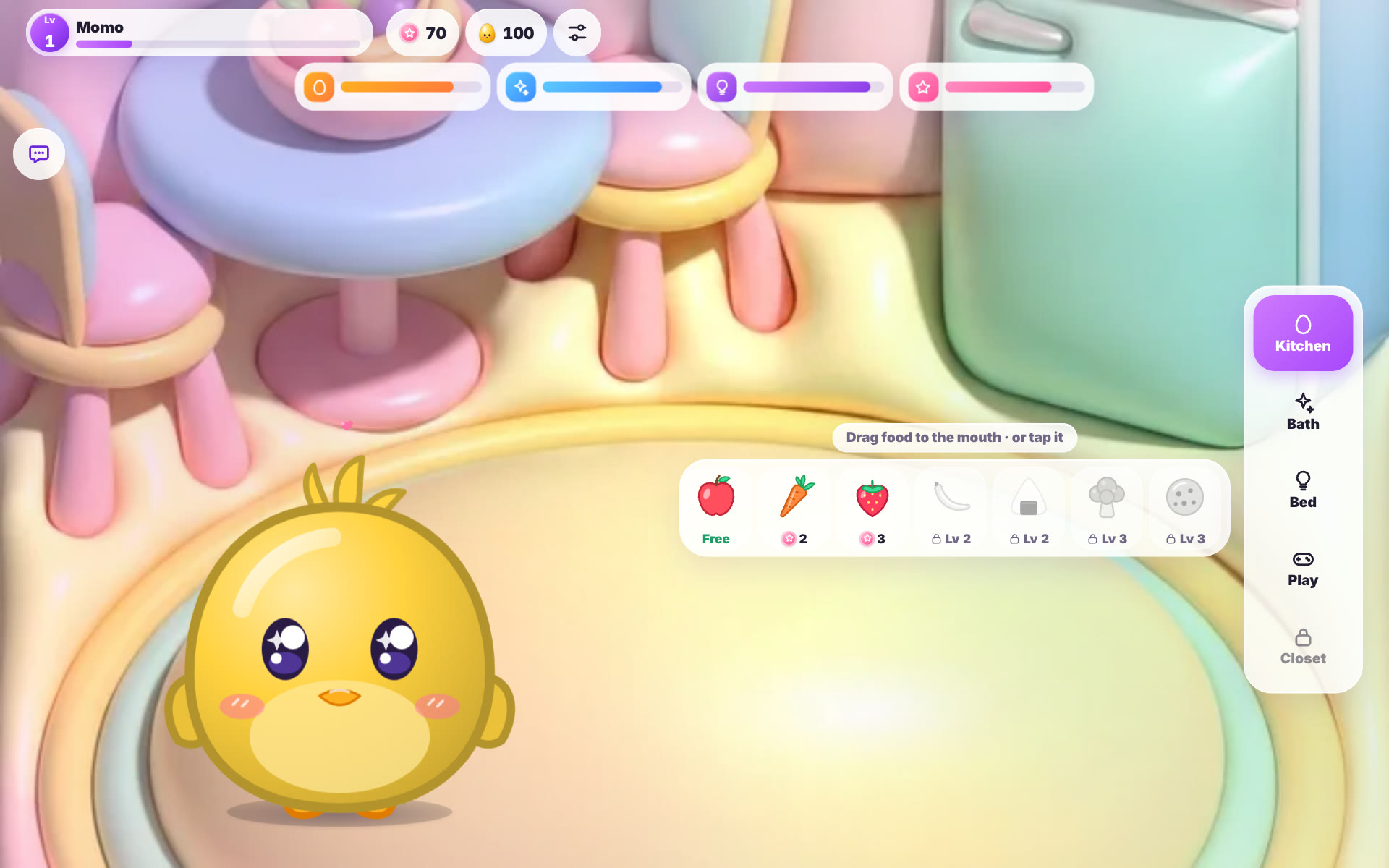
OvO Pet is the gentlest pick here and a good place to start. You adopt one OvO, choose its colour and name, then look after it in a kitchen, a bath, a bedroom and a play room, with a closet opening at level 2. On a PC it all works with the mouse: drag food to its mouth or just click it, scrub with soap, rinse and towel it dry, or turn the lights off for a nap. Pat its head and it melts into hearts. Its needs drop slowly in real time, but it never gets hurt; it only looks a bit sad until you come back. For a little more play there are three mini-games: catching eggs for 45 seconds, popping balloons for 30 seconds and a 60-second memory game. In the egg game the arrow keys move the basket, and Space or Enter pops a balloon.
Chick Sort: a tidy sorting puzzle you can play from the keyboard
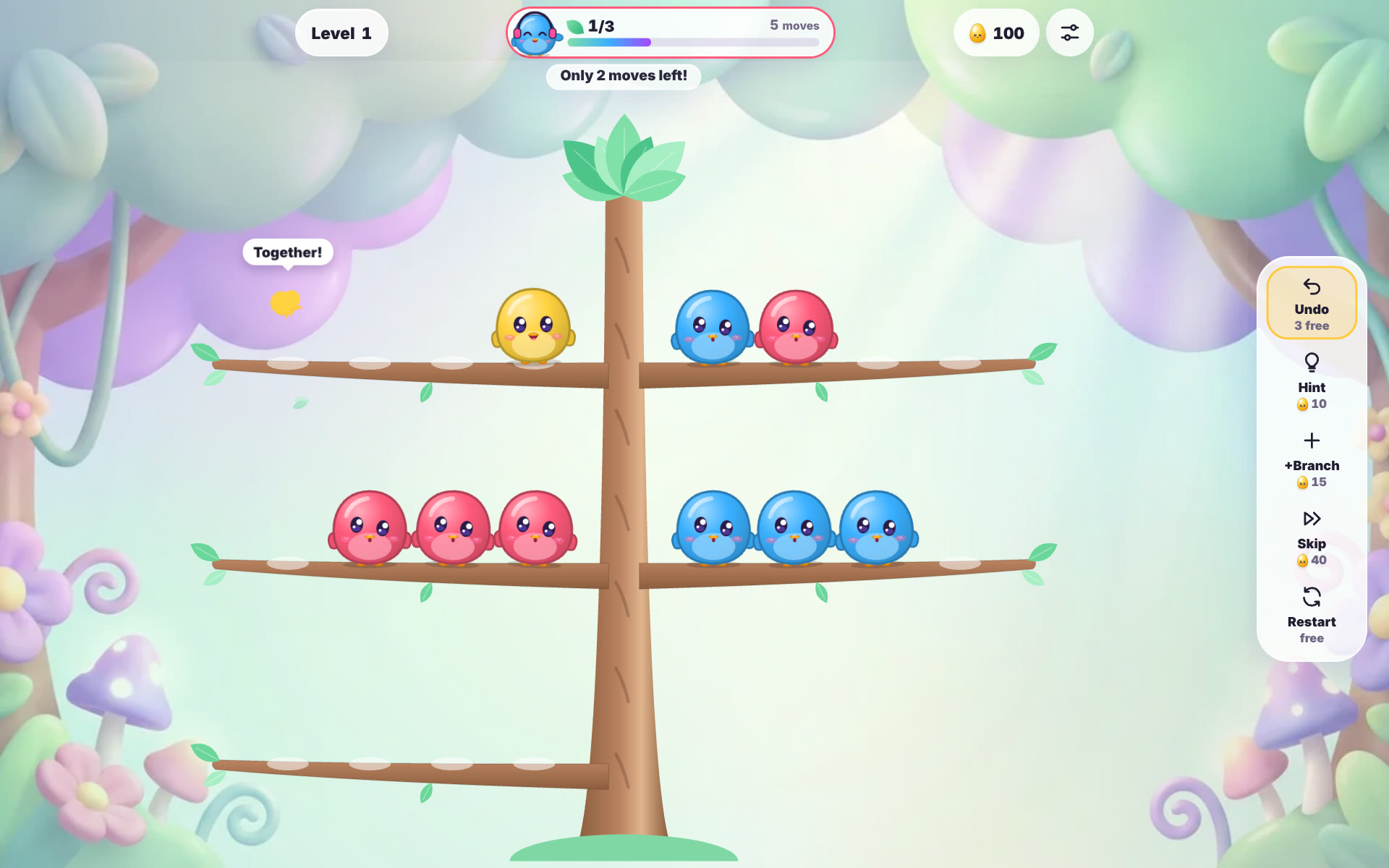
Chick Sort is a colour sorting puzzle on a tree. OvOs sit on branches on both sides of the trunk. Click one branch and the OvOs at its tip get ready, then click a branch that is empty or has room and the same colour on its tip, and they hop across. When four OvOs of one colour fill a branch, they cheer and leave, and the branch is free again. There is no clock, so each level goes at your pace. If you like keeping your hands on the keyboard, the arrow keys move a focus ring between branches and Enter or Space picks one. You get three free undos per level, Restart is free, and later levels add sleepy OvOs that wake when the one in front moves away. There is a fresh daily puzzle, and the first 40 of the 230 levels are free.
Peep Pop 2: pastel match-3 that spreads out on a wide screen
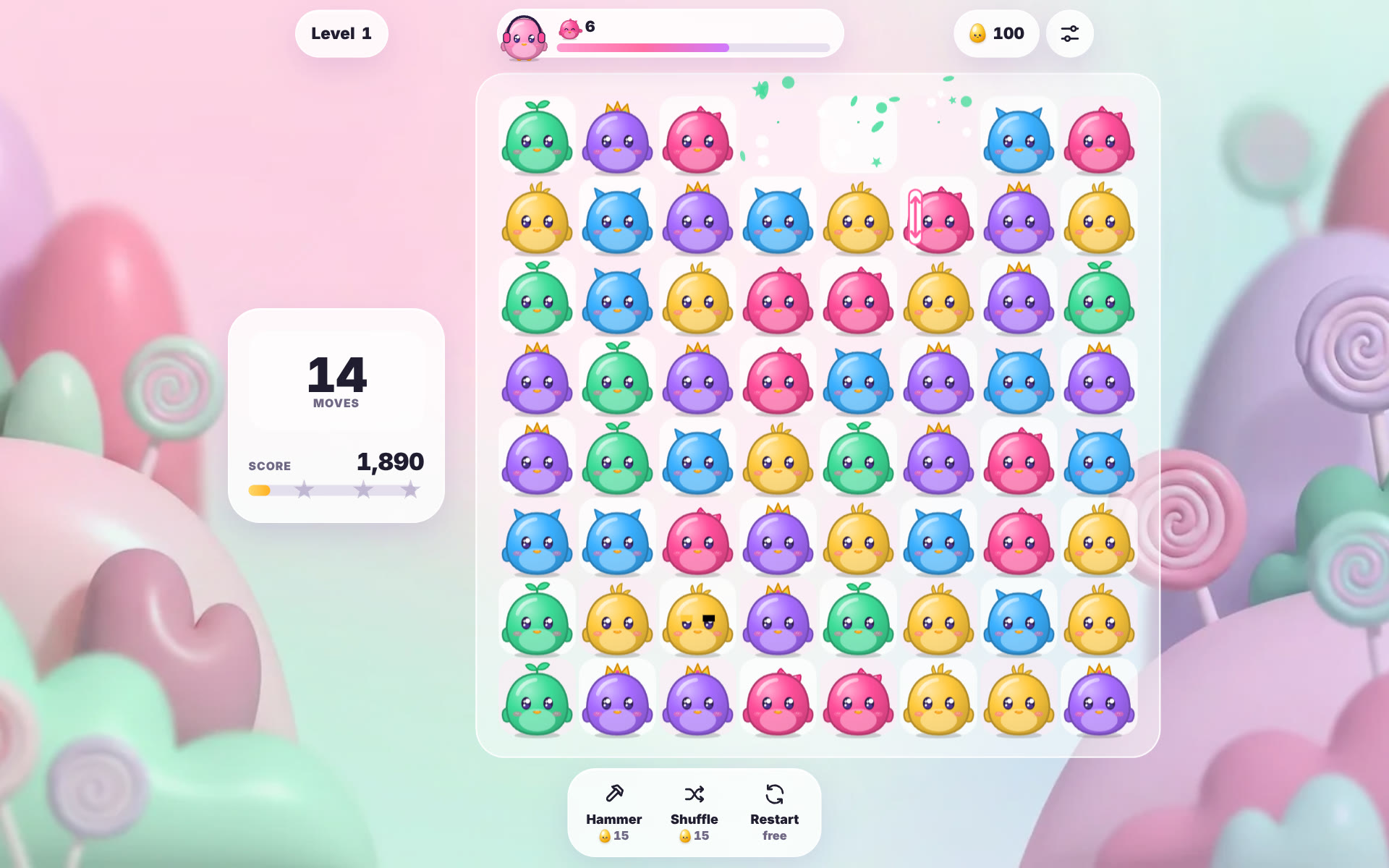
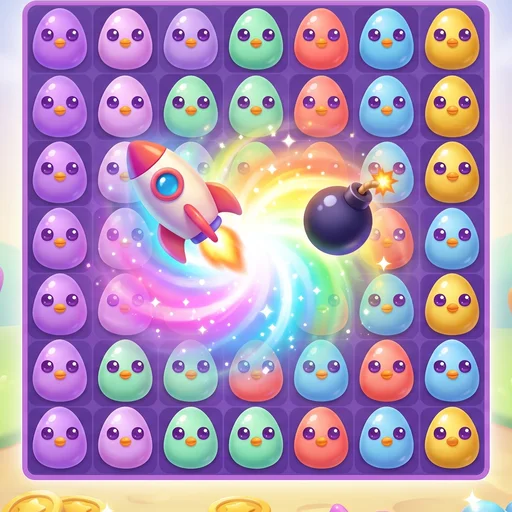
Peep Pop 2 is a match-3 game where every piece is a living OvO. Swap two neighbours to line up three or more of a colour. Four in a line make a rocket, an L or T shape makes a bomb, five in a line make a rainbow egg, and swapping two power-ups together sets off a bigger combo. Each level gives you a set number of moves and one or two goals, such as collecting a colour, cracking ice or freeing OvOs from bubbles. In a desktop browser the moves and score panel sits beside the board, which suits a landscape monitor. You can drag with the mouse, click one OvO and then a neighbour, or use the arrow keys and Enter. Stars from each level grow a small candy garden. There are 300 levels, and the first 40 are free.
Flock Out: a calm click puzzle about order
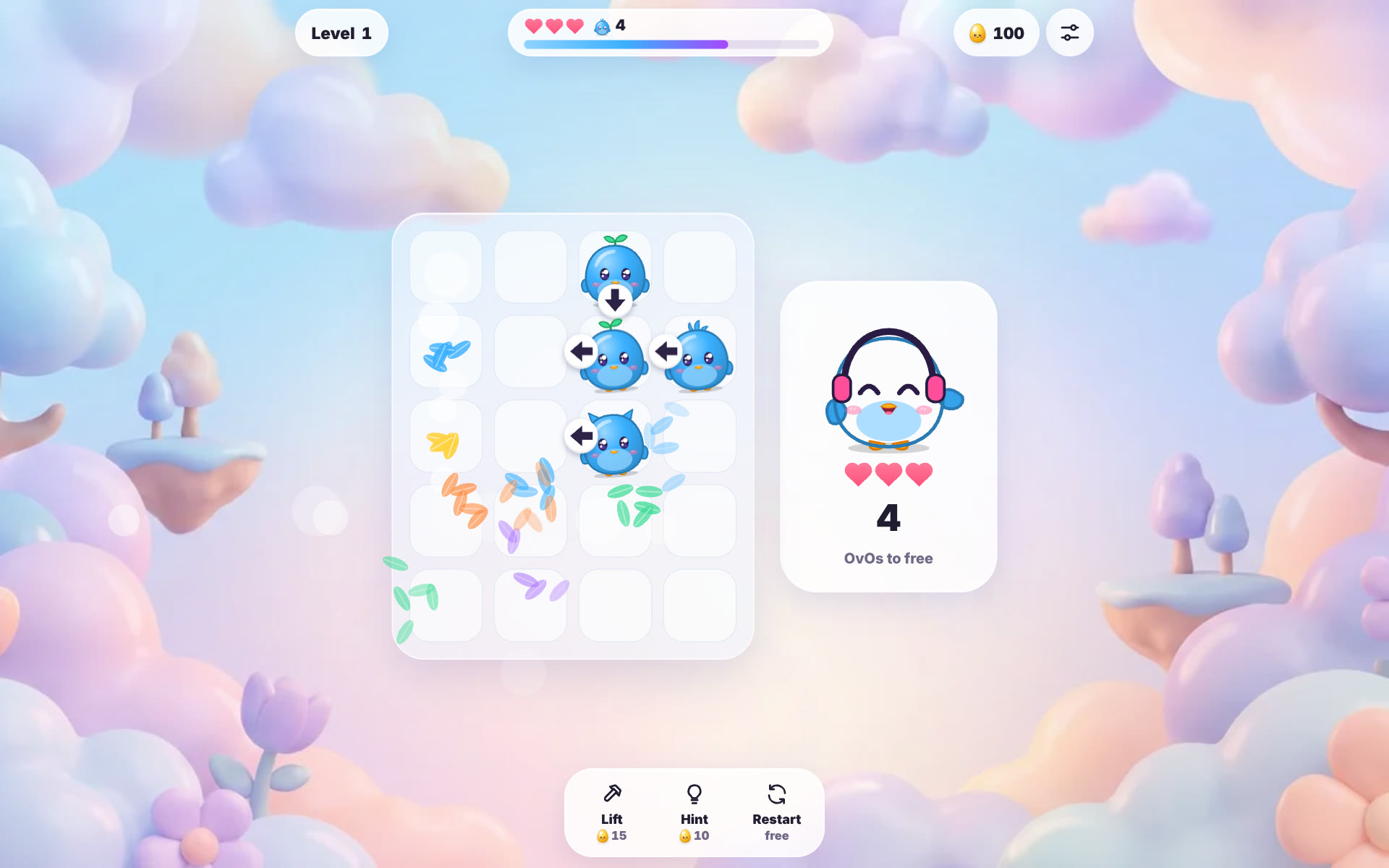
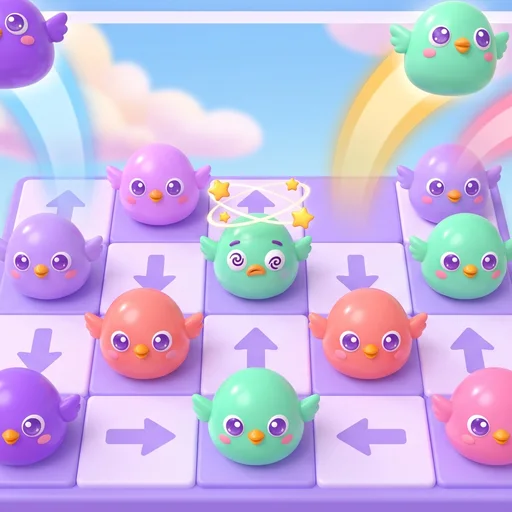
Flock Out is the quickest of the five to learn. Each OvO on the board wears an arrow that shows the way it faces. Click it, and if its lane to the edge is clear, it zooms off the board. If a friend is in the way, the two bump, the friend says "Hey!" and you lose a heart. Press and hold an OvO first to preview its lane: green means free, red means blocked. Sleepy OvOs need one click to wake up before they move. So the whole puzzle is the order of your clicks, and there is no timer. Levels 5, 15, 25 and so on are lighter breathers with four hearts, and every tenth level is a harder one with two. A balloon booster that carries one OvO out and a hint help when you are stuck, and Restart costs nothing. The first 40 of 200 levels are free.
Hush Hill: a quiet place to sit, with nothing to win
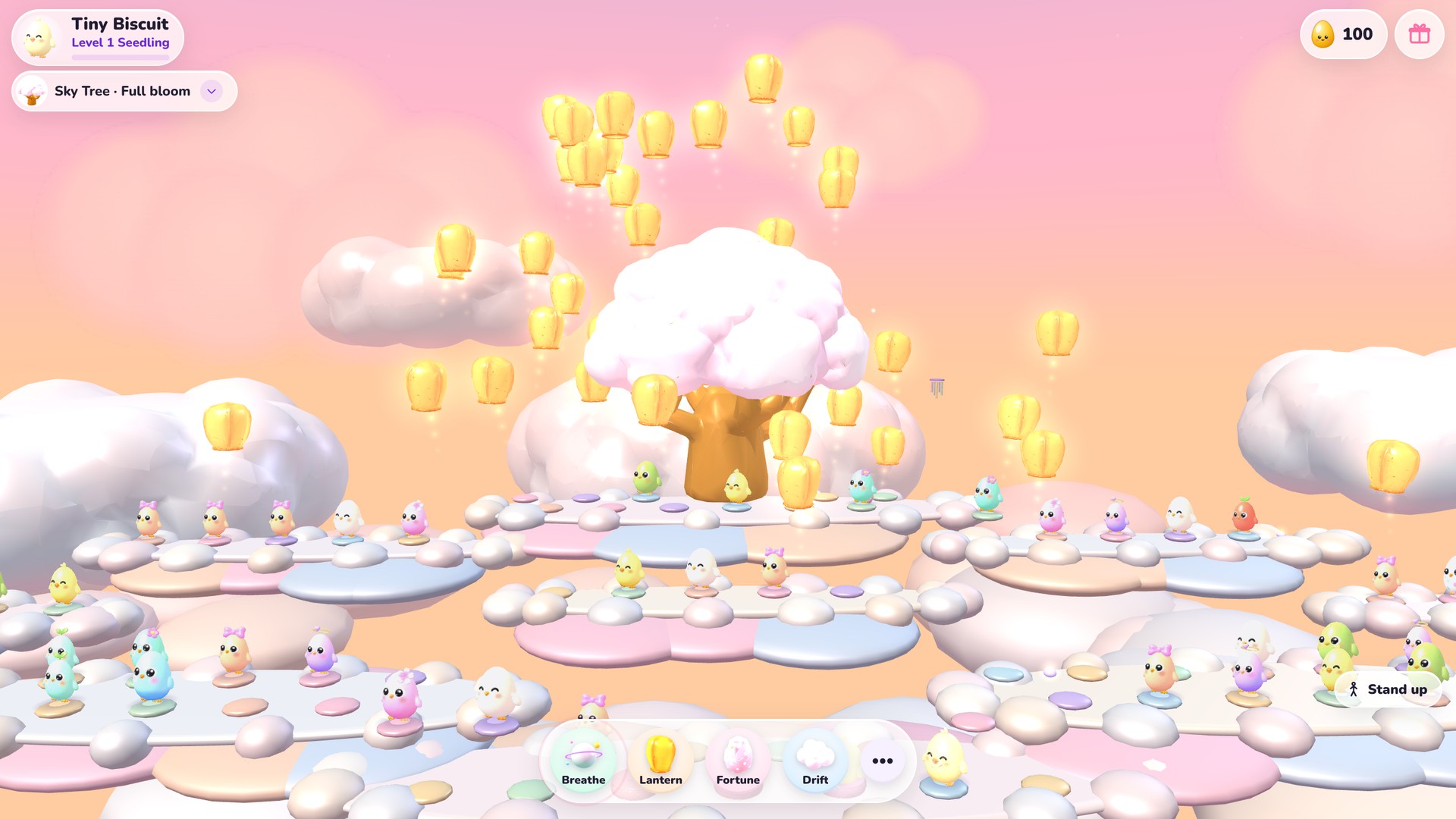
Hush Hill is the calmest pick and has no levels at all. You choose a place, such as floating cloud steps, a river bend with a big willow or a moss garden with koi and gentle rain, then find a spot and sit among up to 100 OvOs. For now the other OvOs are friendly computer-played Hill friends. There is no chat: you can wave, send a heart, share a snack or leave a kind stone with a gentle phrase. Pick a mood and a tiny icon shows above your OvO while the sky follows the mood of the whole hill, or tap Breathe and breathe slowly inside a glowing ring. Every quiet minute helps the place bloom. On a PC you click the ground to walk, drag to turn the camera and use the mouse wheel to zoom. Two more places, Lantern Rise and Snow Hut, open with OvO Pass, and Hush Hill shows no ads.
How do these games work on a PC and on a phone?
All five run in a modern desktop browser with nothing to install, and you can start as a guest right away. If you sign in with Apple or Google, your progress syncs between devices, so you can feed your OvO on your phone at lunch and finish a Chick Sort level on your PC in the evening. Free play has ads between levels. The optional OvO Pass unlocks every level, removes banners and break ads (not the reward videos you choose to watch) and adds 500 tokens a month. A few settings help at a desk too: in OvO Pet and the three puzzles, Shapes on colours adds symbols to the colours and dark mode is built in, and all five follow your system setting for reduced motion. Pick by mood: OvO Pet or Hush Hill to wind down, Chick Sort or Flock Out for a little thinking, Peep Pop 2 for colourful combos.
| Game | What you do | Session feel | On a PC | Best for |
|---|---|---|---|---|
| OvO Pet | Feed, bathe, nap and dress your own OvO, plus three mini-games | A few minutes of care whenever you drop by; mini-games last 30 to 60 seconds | Drag and click with the mouse; arrow keys and Space or Enter in mini-games | Something soft to check on between tasks |
| Chick Sort | Move OvOs between branches until each branch holds one colour | One level at your own pace, no clock | Mouse clicks, or arrow keys with Enter or Space | Tidy, quiet thinking |
| Peep Pop 2 | Swap OvOs to make matches, power-ups and combos | One level with a set number of moves | Drag or click, or arrow keys with Enter | Colourful pops and combos |
| Flock Out | Send OvOs off the board in the right order | One board, no timer, a few hearts | Mouse clicks; press and hold to preview a lane | A quick logic break |
| Hush Hill | Sit with OvOs in calm places, breathe and send soft gestures | As long or short as you like, with nothing to win | Click to walk, drag to look around, wheel to zoom | Winding down after work |
Watch
OvO Pet gameplay
28 seconds of OvO Pet: claiming the daily gift, feeding an OvO in the kitchen and a round of the egg-catching mini-game.
▶ 28 sec
Questions
What are the best cute casual games on PC?
If you want to play in a browser, try OvO Pet for a virtual pet, Chick Sort or Flock Out for quiet puzzles, Peep Pop 2 for pastel match-3 and Hush Hill for a calm place to sit. All five run at ovo.games with no download.
What are good cozy games for PC?
Hush Hill and OvO Pet are the coziest picks here. Hush Hill has no levels and no chat, only soft gestures, and in OvO Pet needs drop slowly while your OvO never gets hurt.
Are there free casual games for PC?
Yes. All five are free to start in your browser. Level games open their first 40 levels to everyone with ads, and the optional OvO Pass unlocks every level and removes banner and break ads.
What cute puzzle games can I play on PC?
Chick Sort, Peep Pop 2 and Flock Out are puzzle games starring the OvOs. Chick Sort and Peep Pop 2 also work from the keyboard, with the arrow keys to move and Enter to choose.
Are there casual PC games I can play in a browser?
Yes. Open ovo.games in a desktop browser and click a game; there is nothing to install, and you can play as a guest.
Can I play the same game on my phone and my PC?
Yes. Sign in with Apple or Google and your progress syncs between devices, so you can carry on in the browser on either one.
 Chick Sort
 Peep Pop 2
 Flock Out