
Free puzzle games without ads on iOS: an honest guide for iPhone and iPad
Updated 7 min read
Quick answer
Free puzzle games without ads are rare on iOS, because ads or purchases pay for most App Store games. At ovo.games, Chick Sort, Tile Trio, Flock Out, Yarn Knots and Pixel Hatch play free in Safari, with no download and no banner during play, though a break ad can follow a level. OvO Pass or No Ads removes both.
On the App Store, Free means the download costs nothing, not that the game has no ads. This guide shows how to check a listing before you tap Get, then lays out exactly where ads appear in five free OvO puzzles you can play in Safari on an iPhone or iPad, and the two official ways to switch most of them off.
On this page
Are there free puzzle games on iPhone with no ads at all?
Very few, and the App Store label adds to the confusion. Free there only means the Get button costs nothing. The money comes from somewhere else: ads, in-app purchases, a subscription, or a mix. Some games are ad-free only for the first levels, some show nothing during a level but play an ad between levels, and some drop the ads once you buy an upgrade. Apple does not require a listing to say whether an app shows ads, and App Store search has no ad-free filter, so any list of no-ads puzzle games goes stale as soon as a developer changes its plans. The useful habit is to check each listing yourself before you tap Get. The next section shows how, and the rest of this guide shows exactly where ads appear in five free OvO puzzles that run in Safari.
How to check an App Store listing for ads and in-app purchases
An App Store page tells you more than its screenshots do, if you know where to look. None of these checks is perfect, because a listing never has to mention ads, but together they give you a fair picture before you download anything. Read the page once from top to bottom, then decide. It costs nothing and can save you from deleting a game a few minutes after you install it.
- Look next to the Get button. If the app sells anything, In-App Purchases is written there.
- Scroll down to Information and open In-App Purchases. An item called Remove Ads tells you the free version shows ads, and weekly or monthly items mean a subscription.
- Open App Privacy. Data Used to Track You is often there because of advertising; a short list, or Data Not Collected, is a better sign.
- Read the newest reviews and the What's New notes. Players are quick to complain when ads get longer or more frequent.
Where do ads show when you play OvO puzzles in Safari?
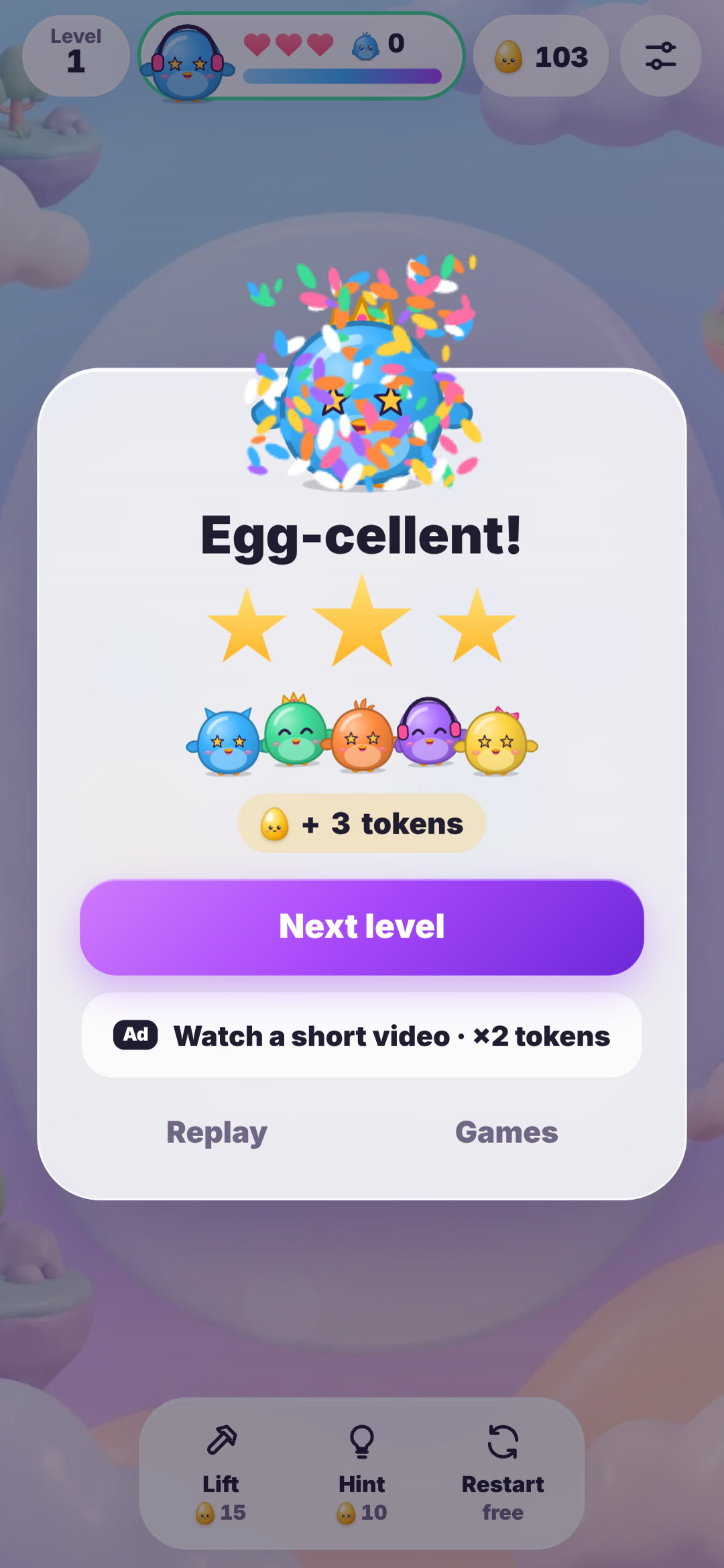
Here is the full picture for ovo.games in Safari on an iPhone or iPad. The Home and Games pages can show a banner between the game cards. Once you open a puzzle, the game screen has no banner and nothing pops up while you are tapping. When a level ends, a short break ad can come as you tap Next level or Try again; sometimes that slot shows one of our own promos instead, and not every level ends with a break. The third kind is optional: the win card offers Watch a short video for double tokens, marked Ad, and it plays only if you tap it. Tap Next level and you simply move on. Pages such as sign-in and settings carry no ads.
Five free puzzle games to play in Safari on iPhone and iPad
All five are free, laid out for a phone held upright and played with one finger, and all follow the ad rules above. Each one is a different kind of puzzle, so when one starts to feel stale you can switch to another, and your progress in each is kept separately. In every one the first 40 levels are free to everyone and Restart is always free. On an iPad the same games simply get more room.
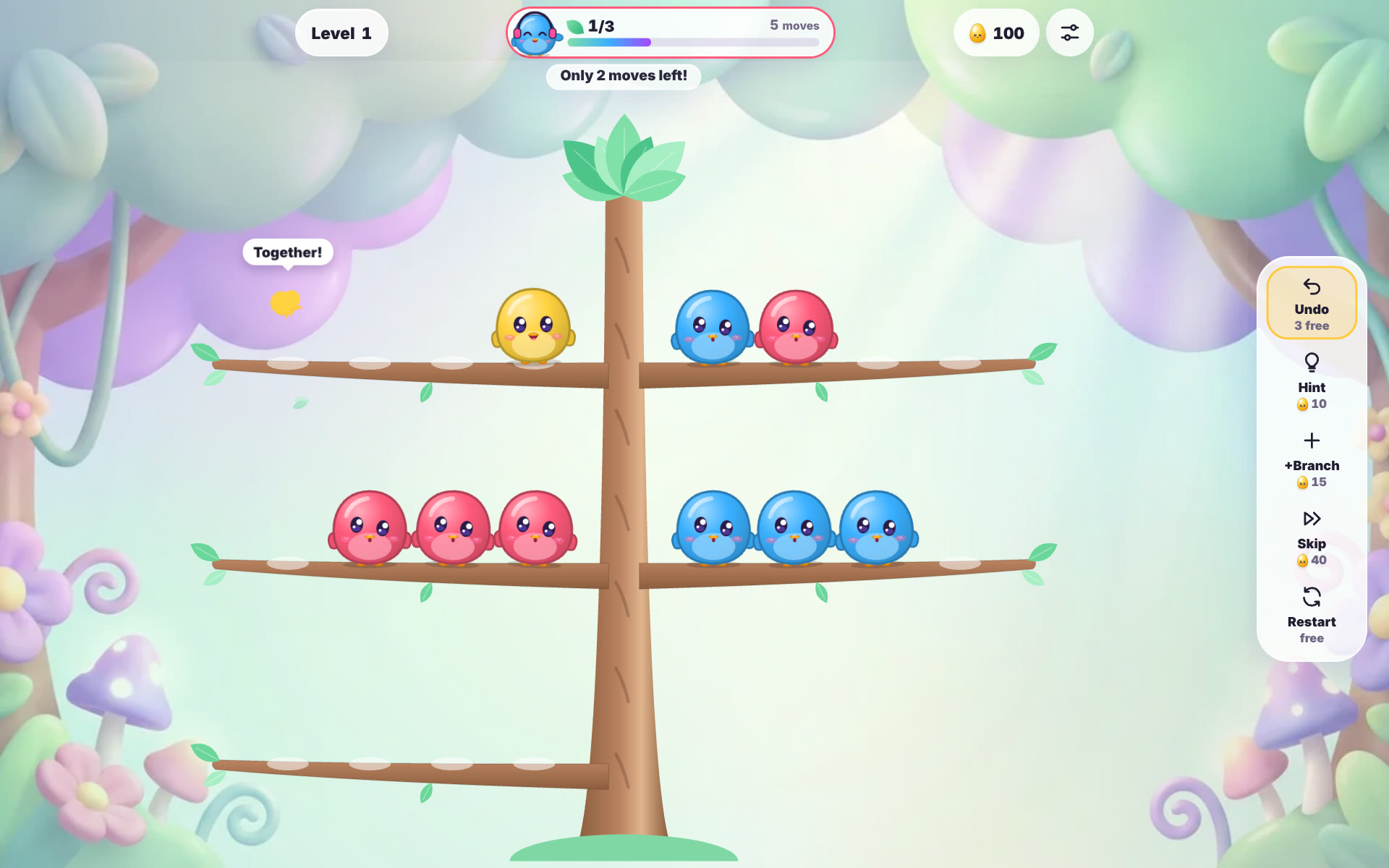
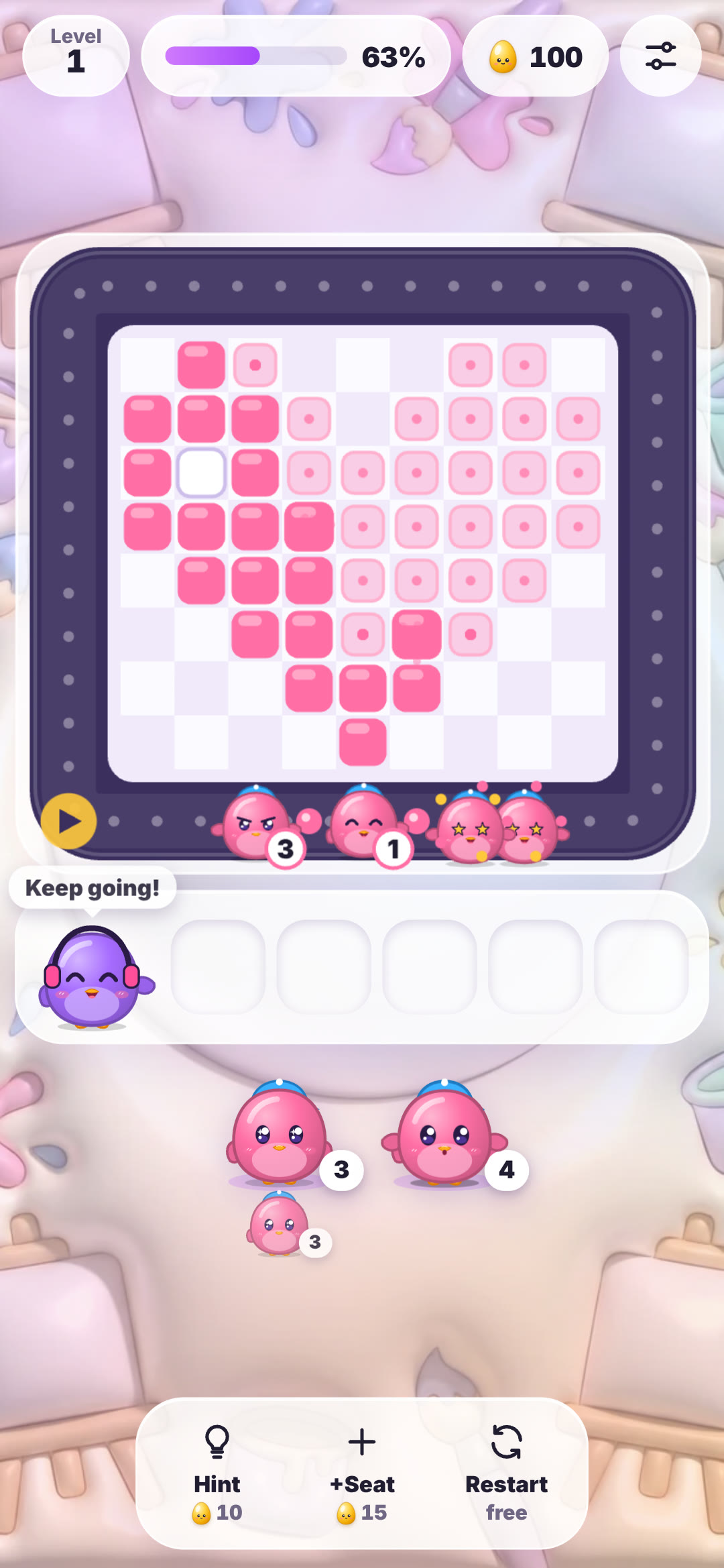
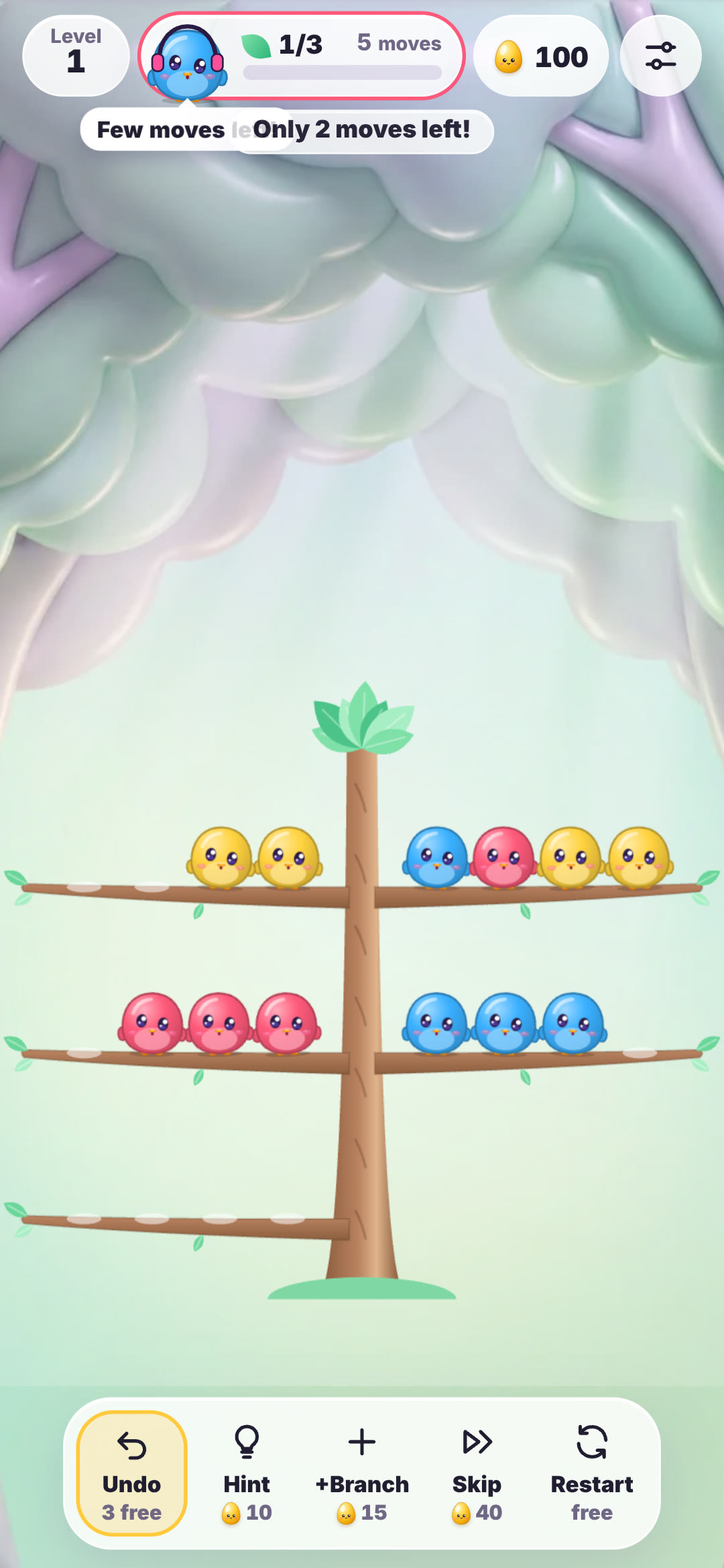 Step 1: Chick Sort, a colour sort on branches. Tap a branch to pick up the OvOs of one colour at its tip, then tap another branch: they hop over if it is empty or ends in the same colour. Four of one colour on a branch cheer and leave it. Every level gives you three free Undos, and if you run out of moves while one is left, the level waits for you instead of ending. It has 230 levels.
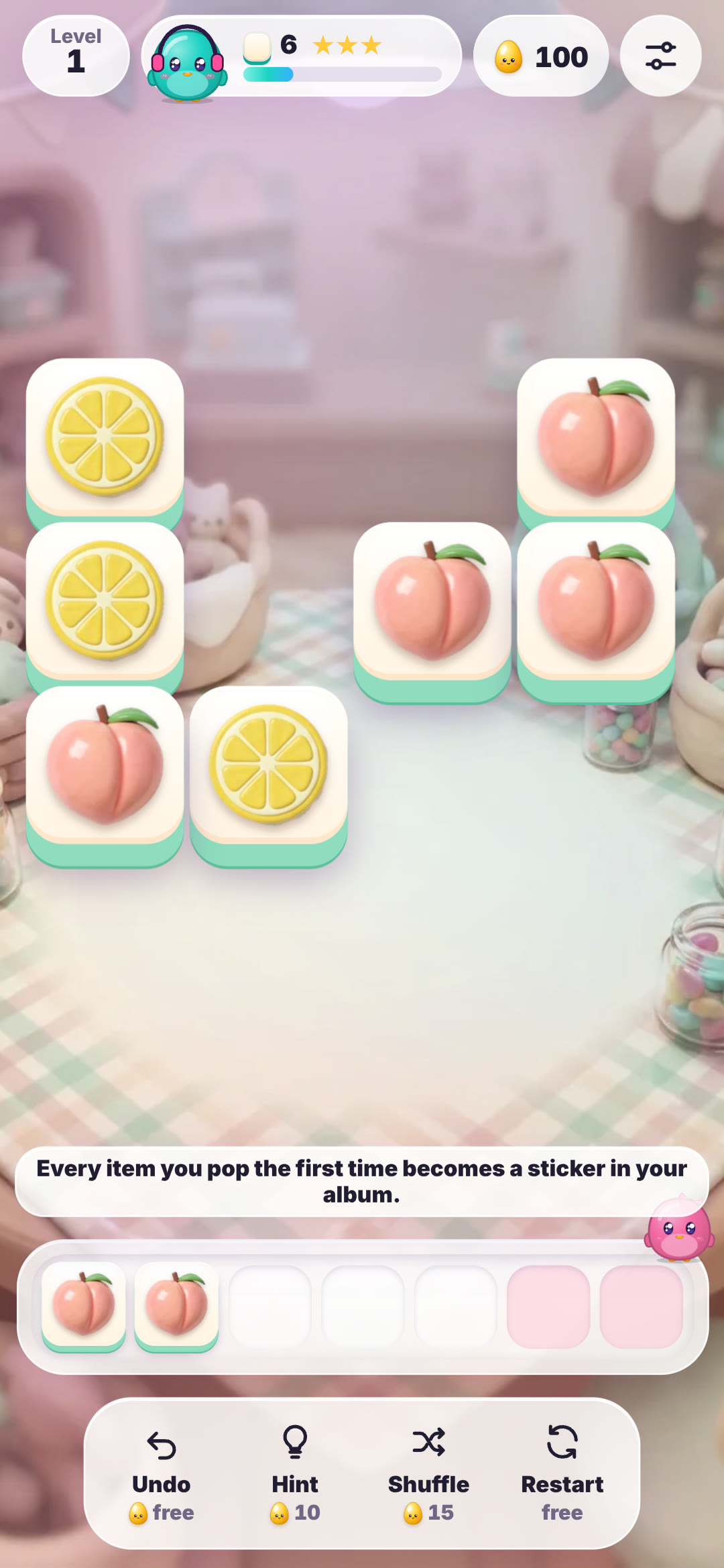 Step 2: Tile Trio, a triple tile match. Tap a tile that nothing covers and it drops into a seven-slot tray; three of a kind pop. Fill the tray without a trio and the level ends. The timer only decides your stars, the first Undo in each level is free and Restart is always free. It has 200 levels.
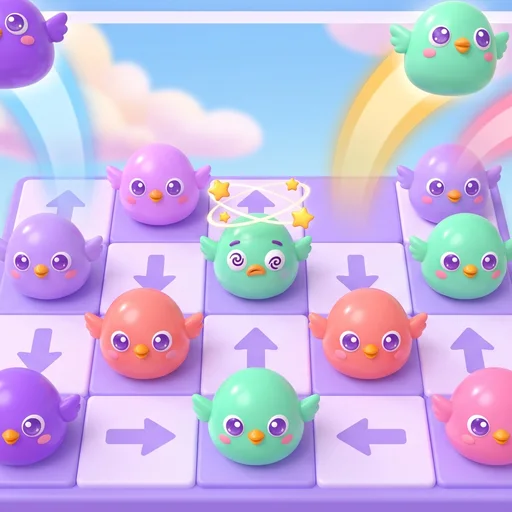
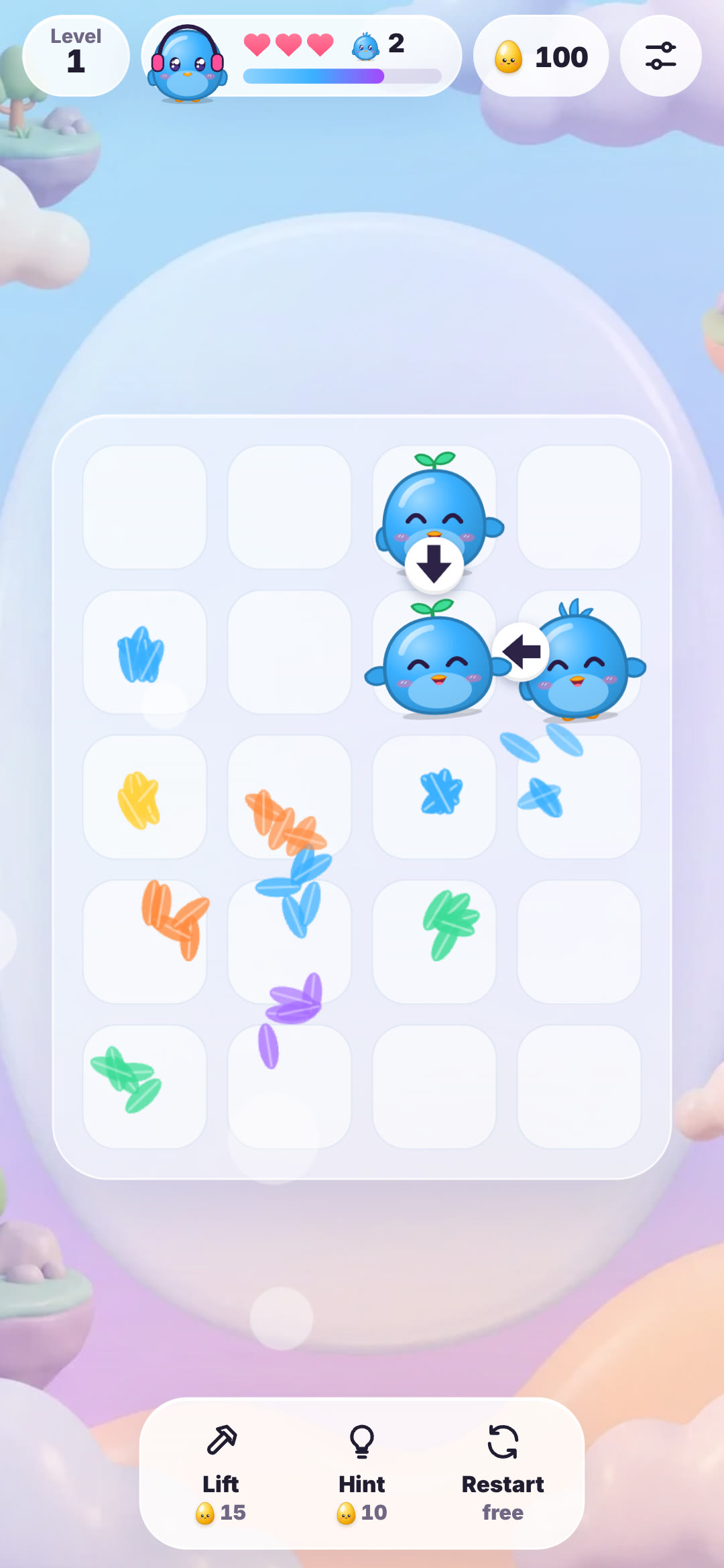 Step 3: Flock Out, a tap-away logic puzzle. Every OvO wears an arrow. Tap one and it zooms off the board if its lane is clear; if a friend is in the way they bonk and you lose a heart. As you press an OvO, its lane lights up so you can see whether the way is clear. Stars depend on how few bonks you make, not on speed. It has 200 levels.
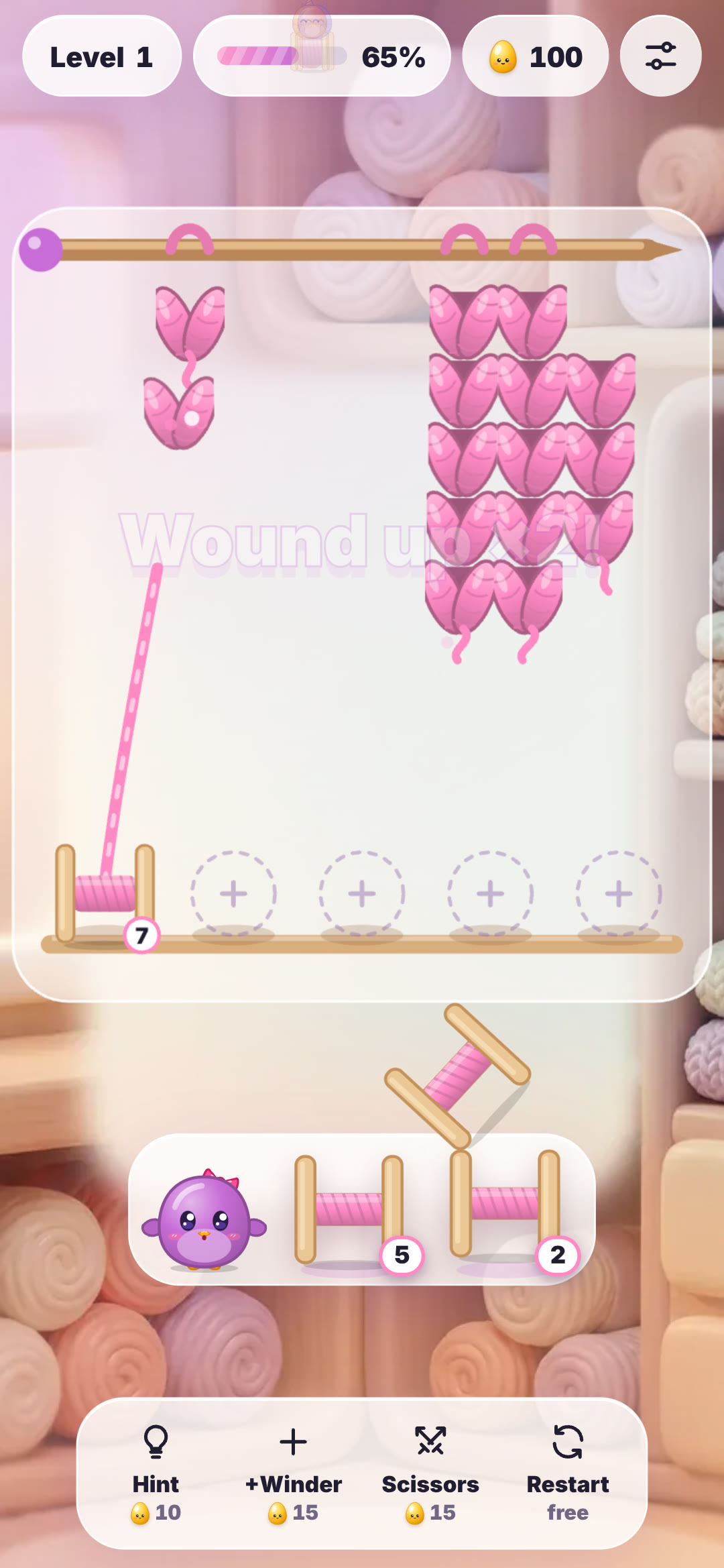 Step 4: Yarn Knots, a yarn unravel puzzle. A knitted picture hangs from a needle and unravels from its bottom row. Tap the front spool of a lane and it clicks onto a winder, then reels in stitches of its colour from the bottom of the knit until the spool is full. A spool whose colour is still buried waits, so keep a winder free. It has 200 levels.
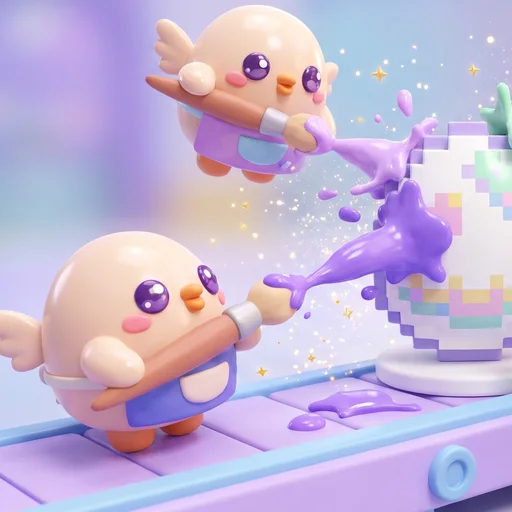
 Step 5: Pixel Hatch, a painter puzzle. Tap the front painter OvO in a column and it rides a belt once around a pixel picture, painting the pixels of its colour that it can see. A painter with paint left over waits on a bench with five seats, and one coming back to a full bench ends the level. Paint every pixel to hatch the picture. It has 200 levels.
How to play on iPhone or iPad without the App Store
You need no app, no download and no account. Safari is enough, and as a guest your progress stays in that browser. Signing in with Apple or Google keeps your progress, tokens and any OvO Pass with you on every device, so you can play a few levels on your iPhone and carry on from the same level on your iPad. The OvO.games app for iPhone and iPad is marked Coming soon on our download page, so for now the browser is the way to play. You do need an internet connection; offline play is not something we promise. If you reach ovo.games through a link inside another app, open it in Safari before you add it to your Home Screen.
- Open Safari and go to ovo.games.
- Tap Games and pick Chick Sort, Tile Trio, Flock Out, Yarn Knots or Pixel Hatch.
- Hold the phone upright and start at level 1. Chick Sort, Tile Trio and Pixel Hatch ask you to turn the phone upright if you hold it sideways.
- Optional: for one-tap access, tap Share in Safari, choose Add to Home Screen, then tap Add. OvO then opens full screen from its own icon.
How to remove the ads: OvO Pass or No Ads
If the ads bother you, there are two official ways to switch them off, and both work at ovo.games in Safari. OvO Pass is an optional subscription with weekly, monthly and yearly plans: it removes banners and break ads, unlocks every level in every game and adds 500 tokens a month. No Ads is a one-time purchase that removes banners and break ads. Optional reward videos, such as free tokens in the shop, can still be offered with either one (OvO Pass also hides the double-tokens button on the win card), but they never play unless you tap them. You sign in before you buy, you pay by card on the website, and the price is shown before you pay. Before spending anything, remember that the first 40 levels of each game are free and you earn tokens by winning, so you can try everything first.
- On the ovo.games Home page, tap OvO Pass to open the shop.
- Choose a Pass plan, or find No ads next to the token packs.
- Sign in with Apple or Google when asked, then pay.
- Go back to a game: banners and break ads no longer show.
| Game | Puzzle type | Levels | How you play by touch | Free help |
|---|---|---|---|---|
| Chick Sort | Colour sort on branches | 230, first 40 free | Tap a branch, then another | 3 Undos per level, Restart |
| Tile Trio | Triple tile match | 200, first 40 free | Tap a free tile into the tray | First Undo per level, Restart |
| Flock Out | Tap-away logic | 200, first 40 free | Tap an OvO whose lane is clear | Restart |
| Yarn Knots | Yarn unravel | 200, first 40 free | Tap a spool to send it to a winder | Restart |
| Pixel Hatch | Painter puzzle | 200, first 40 free | Tap a painter to send it round the belt | Restart |
Watch
Chick Sort gameplay on a phone
28 seconds of Chick Sort held upright: OvOs hop between branches, Combo x2! clears two groups, the Egg-cellent! card offers a video marked Ad that you can skip, and level 2 begins.
▶ 28 sec
Questions
Are there free puzzle games without ads for iOS?
A few, but most free App Store games are paid for with ads or purchases. Chick Sort, Tile Trio, Flock Out, Yarn Knots and Pixel Hatch at ovo.games are free, show no banner while you play, and OvO Pass or No Ads removes their banners and break ads.
How can I tell if an App Store game has ads before I download it?
Check for In-App Purchases next to Get, look for a Remove Ads item in that list, and open App Privacy, where Data Used to Track You often points to advertising. Recent reviews usually mention ads too.
Which ad-free puzzle games work offline?
Not these. OvO games load from ovo.games in the browser, so you need an internet connection, even when you open them from your Home Screen.
Is an ad-free puzzle game really free?
Rarely. Most are paid for with a price up front, a subscription or purchases. OvO games are free with ads, and you can pay to remove the ads if you want.
Is there an OvO.games app on the App Store?
Not yet: the iPhone and iPad app is marked Coming soon. Until then, play in Safari at ovo.games and add it to your Home Screen for one-tap access.
Does OvO Pass remove every ad?
It removes banners and break ads. Optional reward videos can still be offered, but they only play when you tap them.
 Tile Trio
 Flock Out
 Yarn Knots
 Pixel Hatch